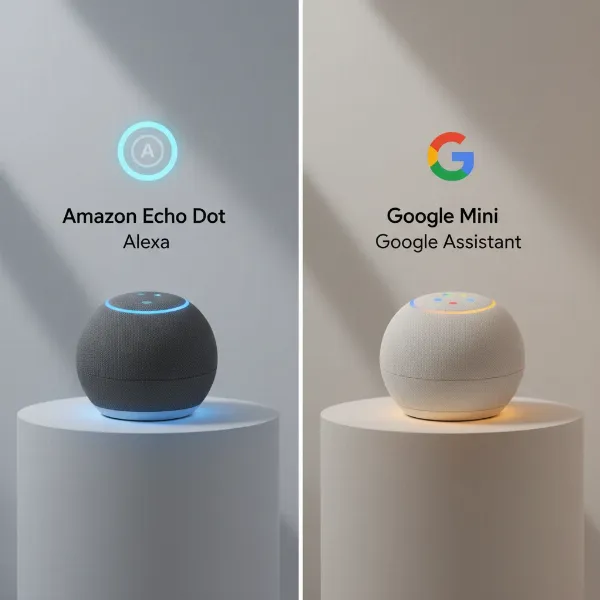
In our fast-paced world, finding a haven of calm to promote better sleep or focused work can be a challenge. While dedicated white noise machines have long been a solution, the smart speaker you already own offers a remarkably convenient and versatile alternative. Imagine silencing distractions or soothing yourself to sleep with just a voice command. Your smart speaker, be it an Amazon Echo, Google Home, or Apple HomePod, possesses the capability to become an indispensable white noise generator, seamlessly integrating into your daily routine. This guide will walk you through unlocking its potential, exploring various soundscapes, and optimizing your experience for ultimate tranquility.
Understanding White Noise and Its Benefits
White noise is a specific type of sound that incorporates all audible frequencies, creating a constant, uniform “hiss,” similar to the static of an untuned radio or television. Its unique characteristic lies in its ability to mask other disruptive sounds by providing a consistent background hum. This auditory blanketing can significantly reduce the perception of sudden noises like traffic, barking dogs, or chattering neighbors, which often disrupt sleep or concentration.
The benefits extend beyond mere sound masking. Many individuals find white noise invaluable for promoting relaxation, aiding concentration during study or work, and even helping with conditions like tinnitus, where it can make the internal ringing less noticeable. While scientific evidence regarding white noise as a universal sleep aid is still evolving and sometimes debated, countless users attest to its effectiveness in creating a serene environment conducive to rest. Some studies, despite small sample sizes, suggest it can significantly improve sleep quality in noisy environments.
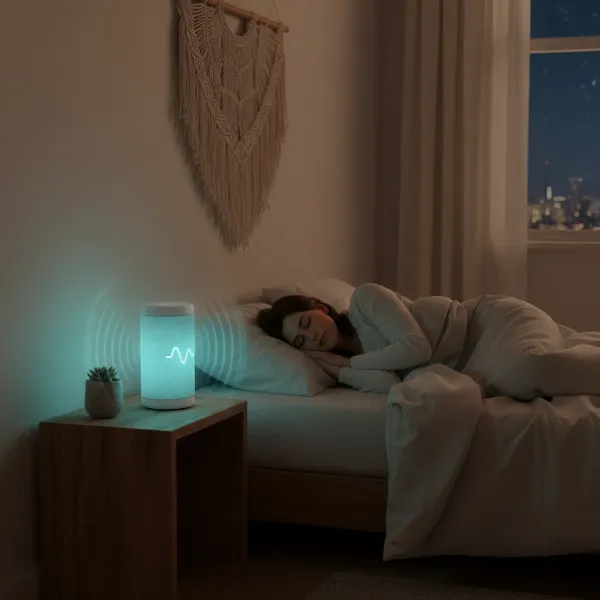 A person sleeping peacefully with a smart speaker subtly providing white noise for improved sleep.
Why Your Smart Speaker is a Great White Noise Machine
The inherent convenience of smart speakers makes them an excellent choice for a white noise machine. Unlike traditional devices, smart speakers offer hands-free operation through voice commands, allowing you to initiate soothing sounds without lifting a finger. This is particularly useful when you’re already settled in bed or have your hands full. You can effortlessly adjust the volume from across the room, eliminating the need to fumble for buttons in the dark.
Beyond basic white noise, these devices boast a vast library of ambient sounds and sleep tracks, often accessible natively or through third-party skills and apps. This versatility means you’re not limited to a single sound, but can explore various options to find what best suits your needs, whether it’s a gentle rainfall or the rhythmic hum of an oscillating fan. The ability to integrate these sounds into custom routines further enhances the experience, allowing for personalized automation that aligns perfectly with your lifestyle.
How to Set Up White Noise on Popular Smart Speakers
Turning your smart speaker into a white noise generator is straightforward, regardless of the brand. Each major platform—Google Assistant, Amazon Alexa, and Apple HomePod (Siri)—offers intuitive voice commands and customization options.
Google Assistant Devices (Google Home, Nest Speakers)
Google Assistant-enabled speakers provide a range of ambient sounds, including white noise. Simply use a direct command to get started.
- To play general white noise: Say, “Hey Google, play white noise.”
- To initiate a random ambient sound for relaxation: Try, “Hey Google, help me relax,” or “Hey Google, play ambient noise.”
- To play specific ambient sounds: Google Assistant offers a variety of nature and environmental sounds. You can request:
- “Hey Google, play rain sounds.”
- “Hey Google, play ocean sounds.”
- “Hey Google, play forest sounds.”
- “Hey Google, play fireplace sounds.”
- “Hey Google, play oscillating fan sounds.”
- “Hey Google, play thunderstorm sounds.”
- Other options include babbling brook, country night, nature, river, running water, relaxing sounds, and water sounds.
|
Our Picks for the Best Smart Speaker in 2026
As an Amazon Associate I earn from qualifying purchases.
|
||
| Num | Product | Action |
|---|---|---|
| 1 | Sony SRS-XB100 Wireless Bluetooth Portable Lightweight Super-Compact Travel Speaker, Durable IP67 Waterproof & Dustproof Shower Speaker, 16 Hour Battery, Versatile Strap, & Hands-free Calling, Black |

|
| 2 | Google Audio Bluetooth Speaker - Wireless Music Streaming, Powerful Sound, Assistant Built-in, Wi-Fi and Bluetooth Connectivity, Smart Home Control, Stereo Pairing - Chalk |
|
| 3 | aowoka Bluetooth Speaker, 2025 Portable Wireless Speakers with Led Light, Bluetooth 5.4, 24H Playtime, Enhanced Bass, IPX7 Waterproof, Outdoor Speaker for Travel, Sport, Party, Biking. |
|
| 4 | Belkin SOUNDFORM Elite Hi-Fi Smart Speaker + Wireless Charger (Alexa Voice-Controlled Bluetooth Speaker) Sound Technology By Devialet, Fast Wireless Charging for iPhone, Samsung Galaxy & More - White |
|
| 5 | Mini Bluetooth Speaker, Smart Wireless Portable Speaker with Touchscreen, Loud HD Sound, LED Lights, BT5.4, All In One Small Audio for Home/Outdoor/Travel/Shower/Party/Beach/Camping/Hiking/Cycling |
|
| 6 | Bluetooth Speaker with HD Sound, Portable Wireless, IPX5 Waterproof, Up to 20H Playtime, TWS Pairing, BT5.3, for Home/Party/Outdoor/Beach, Electronic Gadgets, Birthday Gift (Black) |
|
| 7 | WiiM Sound Lite Smart Speaker, Hi‑Res 24‑bit/192 kHz, AI RoomFit™ Room Correction, 100W Peak, Wi‑Fi 6E/Bluetooth 5.3, Multi‑Room & Stereo Pairing, Black |
|
| 8 | Sonos Era 100 - White - Wireless, Alexa Enabled Smart Speaker |
|
| 9 | Portable Bluetooth Speaker Valentines Gifts For Him: Powerful Crystal Clear Sound/Romantic Light/IPX5 Waterproof/All Day Playtime/BT 5.3/TWS Paring,Small Wireless Speaker for Outdoor-Travel-Date Night |
|
| 10 | Bluetooth Speaker with HD Sound and Lights, Portable Wireless, Long-lasting battery life, TWS Pairing, for Home/Party/Outdoor/Travel/Beach, Stocking Stuffers, White Elephant Gifts for Adults (Black) |
|
By default, some Google ambient sounds may play for about an hour. To set a specific duration, include it in your command, for example, “Hey Google, play white noise for one hour.”
Amazon Alexa Devices (Echo, Echo Dot)
Alexa-enabled speakers leverage a vast ecosystem of native sounds and third-party skills to offer an extensive selection of white noise and sleep sounds.
- To play general white noise: Say, “Alexa, play white noise,” or “Alexa, open White Noise.”
- To access a wider range of sounds via a skill: Many users prefer the “Sleep Sounds” or “White Noise” skills, which offer diverse options and longer playback times. Say, “Alexa, open Sleep Sounds,” then you can ask for specific sounds like “Alexa, ask Sleep Sounds for rain sounds.”
- To play specific ambient sounds directly (often via skills): Alexa supports commands for various sounds such as:
- “Alexa, open Thunderstorm Sounds.”
- “Alexa, open Babbling Brook.”
- “Alexa, open Beach Sounds.”
- “Alexa, open Fireplace Sounds.”
- “Alexa, open Oscillating Fan Sounds.”
- The “White Noise” skill also offers brown noise and air conditioner sounds.
- Setting duration: Many skills can play continuously for up to 10 hours or loop indefinitely. You can also set a sleep timer by saying, “Alexa, set a sleep timer for 1 hour.”
Apple HomePod (Siri)
Apple’s HomePod offers a more curated selection of ambient sounds through Siri, with options to supplement via Apple Music or Spotify subscriptions.
- To play a random ambient sound: Say, “Hey Siri, play sounds.”
- To request a specific ambient sound: Siri can play:
- “Hey Siri, play ocean sounds.”
- “Hey Siri, play rain sounds.”
- “Hey Siri, play dark noise.”
- “Hey Siri, play balanced noise.”
- “Hey Siri, play bright noise.”
- Other options include stream, night, and fire sounds.
- Leveraging music services: If you subscribe to Apple Music or Spotify, you can ask Siri to play specific ambient tracks or playlists found on those platforms.
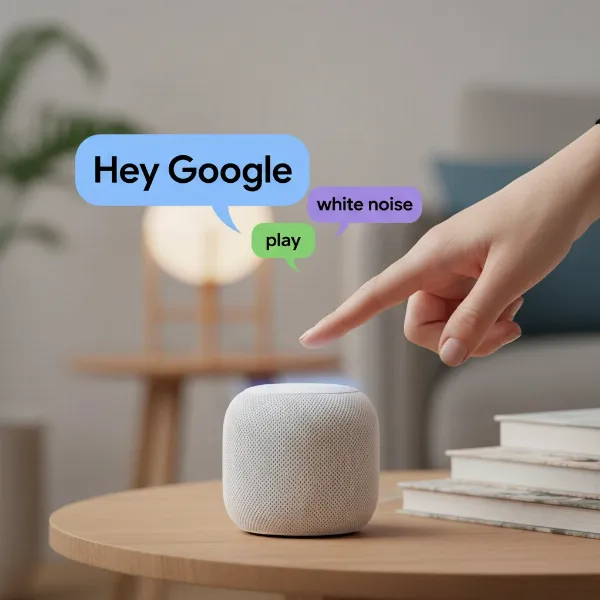 A hand giving a voice command to a smart speaker to activate white noise.
Exploring Different Soundscapes Beyond Pure White Noise
While “white noise” is a common term, smart speakers offer a spectrum of “noise colors” and ambient soundscapes, each with unique auditory properties and benefits. Experimenting with these can help you find your perfect sound environment.
- Pink Noise: Often described as a softer, deeper version of white noise, pink noise has a sound profile where lower frequencies are more prominent. This can sound like a steady rainfall, rustling leaves, or a gentle waterfall. Many find pink noise less harsh and more natural-sounding than white noise, making it ideal for continuous background listening for sleep or relaxation.
- Brown Noise: Even deeper and more bass-heavy than pink noise, brown noise resembles the low rumble of a strong waterfall, heavy surf, or distant thunder. It’s excellent for masking very low-frequency sounds and can be particularly effective for calming an overactive mind, improving focus, or deepening sleep.
- Nature Sounds: Beyond static, smart speakers excel at replicating natural environments. Common options include:
- Rain Sounds: From light drizzle to heavy thunderstorms, these can be incredibly calming.
- Ocean Waves: The rhythmic ebb and flow can be profoundly soothing.
- Forest Sounds: Gentle birdsong, rustling leaves, and subtle breezes create an immersive outdoor feel.
- Ambient Sounds: These are designed to create a specific atmosphere:
- Fireplace Sounds: The crackle and pop can provide cozy comfort.
- Oscillating Fan Sounds: For those who find the consistent whir of a fan inherently relaxing.
- City Sounds: Some find the distant hum of urban life comforting, especially those who’ve moved from a city to a quieter area.
- Unique Soundscapes: Alexa, in particular, offers creative skills like “Space Deck,” which emulates the ambient sounds of a starship bridge.
“The beauty of smart speakers lies in their adaptability; they’re not just about playing sounds, but about creating an acoustic environment tailored precisely to your needs, whether for deep sleep or focused work.” – Dr. Anya Sharma, Acoustic Wellness Specialist
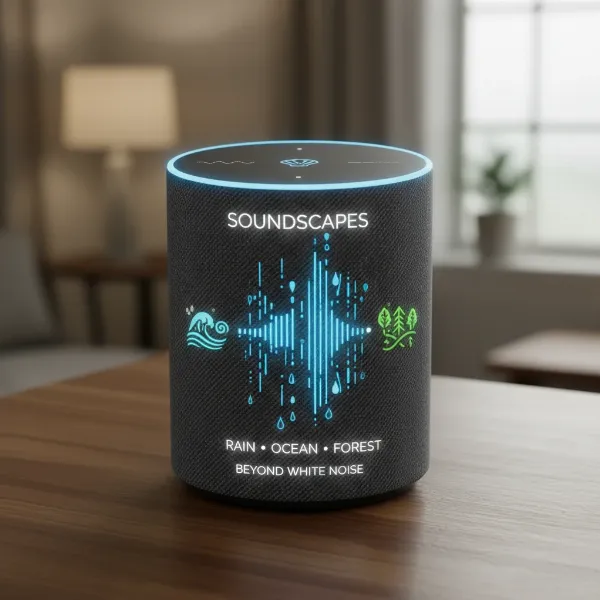 A smart speaker playing diverse nature sounds like rain or forest for relaxation.
Advanced Tips for Optimizing Your Smart Speaker White Noise Experience
To truly maximize your smart speaker’s potential as a white noise machine, consider these advanced tips for customization and control:
Precise Volume Control
Finding the perfect volume is crucial for effective sound masking without being too distracting. Most smart speakers allow granular volume adjustments through voice commands.
- General: “Hey Google/Alexa/Siri, turn the volume up/down.”
- Specific Level: “Hey Google/Alexa/Siri, set volume to 5” (on a scale of 1-10) or “Set volume to 40%.”
Experiment with different levels to ensure the ambient sound effectively masks disturbances without becoming the primary focus.
Setting Sleep Timers
You likely don’t need white noise playing all night, especially since some studies suggest prolonged exposure at high volumes might have implications for hearing, particularly for infants. Setting a sleep timer is a simple way to ensure the sound turns off after you’ve drifted off.
- Voice Command: “Hey Google/Alexa/Siri, set a sleep timer for 30 minutes” or “Play white noise for 2 hours.”
- App Control: Use the respective companion app (Google Home, Alexa app, or Home app for iOS) to set or adjust timers.
Creating Custom Routines
Automate your wind-down process by creating custom routines. This allows you to combine multiple actions, such as dimming lights, adjusting the thermostat, and playing your preferred ambient sound at a specific volume and duration, all with a single command or at a scheduled time.
- Google Home App: Navigate to “Routines” to set up a sequence of actions. For example, a “Goodnight” routine could start ocean sounds, set the volume to 3, and turn off after 90 minutes.
- Alexa App: Go to “Routines” in the Alexa app. You can create a routine that starts your favorite white noise skill and includes a sleep timer.
- Apple Home App: While Siri’s native sound options are more limited, you can create scenes or automations in the Home app that incorporate playing specific tracks from Apple Music or Spotify via your HomePod.
Strategic Speaker Placement
The placement of your smart speaker can influence how effectively the white noise masks other sounds. Ideally, place the speaker between you and the source of the unwanted noise. If you’re using it for general ambiance, a central location in the room can provide more even sound distribution.
Troubleshooting Common Issues
While smart speakers are generally reliable, you might occasionally encounter minor hiccups when using them for white noise.
- “Skill not found” or “Sound not available”: Double-check the exact command. For Alexa, ensure the specific ambient sound skill is enabled in the Alexa app. For Google Assistant, review the list of available native sounds.
- Sound stops prematurely: Verify if a sleep timer has been activated. Some Google Assistant sounds, by default, only play for an hour unless a longer duration is specified or a routine is set to loop. Check your device’s Digital Wellbeing settings if you’re using a Google Nest speaker, as these can restrict playback.
- Poor sound quality: Ensure your smart speaker has a stable Wi-Fi connection. If the sound is distorted, try lowering the volume. Consider the speaker’s audio capabilities; larger smart speakers generally offer richer sound than smaller models like the Echo Dot Mini.
- Speaker unresponsive: A simple restart of the smart speaker or checking your Wi-Fi network can often resolve connectivity issues.
Conclusion
Your smart speaker is far more than a voice assistant or music player; it’s a powerful and convenient tool that can be transformed into a personalized white noise machine. With simple voice commands and the ability to set timers and create custom routines, you can effortlessly cultivate an environment conducive to better sleep, heightened focus, or profound relaxation. By exploring the diverse array of soundscapes, from classic white noise to soothing nature sounds and specific “noise colors,” you can fine-tune your auditory environment to meet your unique needs. Embrace the versatility of your smart speaker to find your perfect sound and unlock a new level of calm in your daily life. What sound will you choose to create your ultimate oasis of tranquility tonight?
Frequently Asked Questions
Can I set a smart speaker to play white noise all night long?
Yes, most smart speakers can play white noise continuously or for extended periods. On Alexa, many skills offer playback up to 10 hours or on an indefinite loop. For Google Assistant, you might need to specify a long duration or set up a routine to ensure continuous play, as some default sounds may only last for about an hour.
What are the differences between white noise, pink noise, and brown noise on a smart speaker?
White noise covers all audible frequencies uniformly, sounding like TV static. Pink noise emphasizes lower frequencies, resembling gentle rain or rustling leaves, which many find softer. Brown noise is even deeper and more bass-heavy, akin to a strong waterfall or low rumble, often preferred for deeper relaxation and masking low-frequency disturbances.
How do I stop white noise from playing on my smart speaker?
To stop white noise or any ambient sound, simply say, “Hey Google, stop,” “Alexa, stop,” or “Hey Siri, stop.” You can also set a sleep timer when you start the sound, which will automatically turn it off after the specified duration.
Can I use my smart speaker to play white noise if I don’t have a subscription to a music service?
Absolutely. All major Smart Speaker platforms (Google Assistant, Amazon Alexa, Apple HomePod) offer native white noise and a selection of ambient sounds directly through their built-in functionalities or free skills, without requiring a separate music service subscription.
Is it safe to use white noise from a smart speaker for babies?
While many parents use white noise for babies, it’s crucial to use it responsibly. Keep the volume at a low, safe level (similar to a soft shower) and ensure the speaker is placed a safe distance from the baby. Some research suggests prolonged exposure at high volumes might be a concern for infant hearing. Always prioritize safety and consult with pediatric experts if you have concerns.