Ever found yourself standing in the electronics aisle, staring at a wall of smart gadgets and feeling a little overwhelmed? You’ve got a Google Nest Hub at home, and you love asking it for the weather or to play your favorite podcast. But now you want to take the next step. You’re dreaming of a home where the lights dim for movie night with a simple voice command, the thermostat adjusts when you leave, and the coffee maker starts brewing the moment your alarm goes off. It sounds like sci-fi, but it’s entirely possible. The big question is, what devices work with Google Home to make this magic happen?
You’ve come to the right place. Think of this guide as your friendly roadmap to building a smarter, more connected home. We’re going to break down the confusing jargon, explore the incredible range of compatible gadgets, and help you figure out which ones are the perfect fit for your life. Let’s get started.
First Off, What’s the Big Deal With a Smart Home?
Before we dive into the gadgets, let’s get on the same page. A “smart home” isn’t about filling your house with complicated tech. It’s about creating an environment that works for you. It’s about convenience, security, and sometimes, just a little bit of fun. At the heart of it all is your Google Home or Nest device, acting as the central conductor of your home’s orchestra.
It does this through the power of Google Assistant, the clever AI that lives inside your speaker or display. When you say, “Hey Google, turn on the living room lights,” it’s Google Assistant that hears you, understands your command, and tells the lights what to do.
How Does Google Home Actually Hear You?
It feels like magic, but it’s just brilliant technology. Your smart speaker is always listening for its “wake word” (like “Hey Google”). Once it hears that, it starts recording your command and sends that tiny snippet of audio to Google’s powerful servers. There, advanced AI translates your speech into a command it can understand and then routes it to the correct device on your home network. It all happens in the blink of an eye.
The Main Event: What Devices Work With Google Home?
Okay, let’s get to the good stuff. The short answer is: a lot. The Google Home ecosystem is massive and continues to grow every day. Thousands of brands have made their products compatible. To make it easier, let’s break them down into the most popular categories.
Smart Lighting
This is often the first step people take into the smart home world, and for good reason. It’s relatively inexpensive, easy to set up, and the “wow” factor is immediate.
- Philips Hue: The undisputed king of smart lighting. They offer a massive range of bulbs, light strips, and fixtures that are known for their quality and reliability.
- LIFX: A fantastic alternative known for its incredibly vibrant colors and Wi-Fi-connected bulbs that don’t require a separate hub.
- Wyze: If you’re on a budget, Wyze offers incredibly affordable smart bulbs and plugs that punch way above their weight.
- Nanoleaf: For those who want lighting that’s also a piece of art, Nanoleaf’s wall-mounted light panels are a stunning, conversation-starting addition to any room.
Smart Thermostats and Climate Control
Imagine your home automatically warming up just before you get home from work on a chilly day. That’s the power of a smart thermostat. They learn your habits to save energy and keep you comfortable.
- Google Nest Thermostat: Unsurprisingly, Google’s own thermostat integrates seamlessly. It’s famous for its learning capabilities and sleek design.
- Ecobee: A major competitor to Nest, Ecobee thermostats are beloved for their remote room sensors, which ensure even temperatures throughout your entire house, not just where the thermostat is.
- Honeywell: A legacy brand that has fully embraced smart technology, offering a wide range of reliable and feature-rich smart thermostats.
Smart Security
Peace of mind is priceless. Smart security devices let you keep an eye on your home from anywhere in the world.
- Video Doorbells: See who’s at the door and speak to them, whether you’re on the couch or on vacation. Brands like Google Nest Doorbell and Arlo are top contenders. You can even stream the video feed directly to your Nest Hub display.
- Security Cameras: Keep an eye on the inside or outside of your home with cameras from Arlo, Wyze, and Nest Cam. Many offer motion detection alerts sent straight to your phone.
- Smart Locks: Never worry about losing your keys again. With smart locks from August or Yale, you can lock and unlock your door with your voice or phone. You can even grant temporary access to guests.
Entertainment and Audio
This is where the fun really begins. Your Google Home device is a gateway to a universe of content.
- Streaming Devices: The most obvious one is Chromecast. You can say, “Hey Google, play The Crown on Netflix on the living room TV,” and it will spring to life. Many modern smart TVs from brands like Sony, LG, and TCL also have Chromecast built-in.
- Music Services: Link your favorite music streaming accounts. Spotify, YouTube Music, Pandora, and more all work flawlessly. You can even create multi-room audio groups to have music play in sync throughout your home.
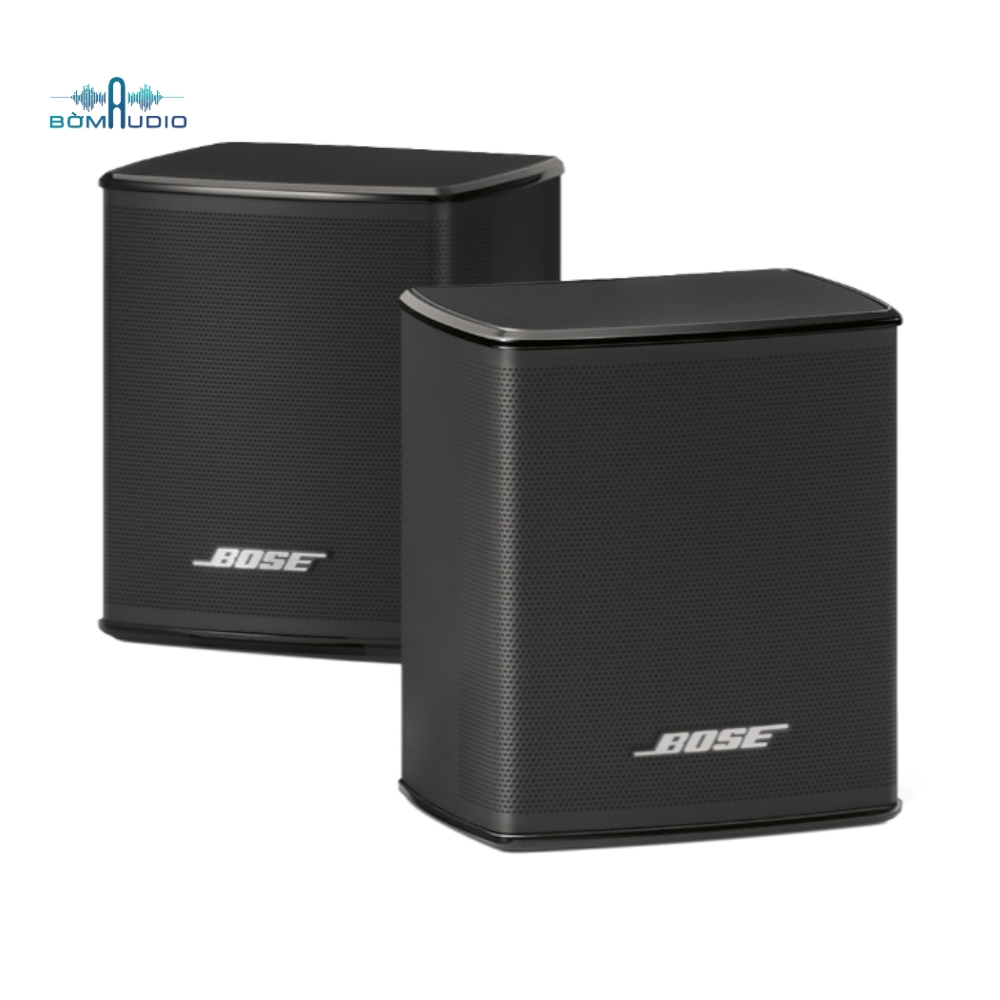
- Smart Speakers: You can expand your audio setup with more speakers from Google Nest, or connect to Wi-Fi-enabled speakers from brands like Sonos and Bose.
Kitchen and Home Appliances
Yes, even your kitchen can get in on the smart home action.
- Smart Plugs: These are the secret weapon of the smart home. A smart plug from brands like TP-Link Kasa or Wemo can make almost any “dumb” appliance smart. Plug in a lamp, a fan, or a coffee maker, and you can now control it with your voice.
- Appliances: High-end appliances are increasingly coming with Google Assistant compatibility built-in. Think refrigerators from LG that can tell you if you’re out of milk, or ovens from GE that you can preheat on your way home from the grocery store.
“We’re moving past the era of individual gadgets and into the age of the truly integrated home. The key isn’t just asking ‘what devices work with Google Home,’ but ‘how can these devices work together to create a seamless experience?’ That’s where the real magic lies.”
– Dr. Alistair Finch, Smart Home Integration Analyst
How Do I Know if a Device Is Compatible?
This is a fantastic question. The easiest way to tell is to look for the “Works with Google Home” or “Works with Google Assistant” badge on the product’s packaging or online description. This is the official seal of approval and guarantees a smooth setup process.
Pro Tips: Getting the Most Out of Your Google Home Setup
So, you’ve got a few devices. Now what? Here’s how to level up your smart home game.
- Create Routines: This is the absolute best feature. A routine is a single custom command that triggers a series of actions. For example, you could create a “Good Morning” routine. When you say, “Hey Google, good morning,” it could:
- Turn on your bedroom lights gradually.
- Start brewing your coffee (via a smart plug).
- Tell you about your calendar for the day.
- Give you the weather forecast.
- Start playing your favorite morning news podcast.
- Name Your Devices Clearly: When you set up a new device in the Google Home app, give it a simple, intuitive name. “Living Room Lamp” is much easier to remember and say than “Philips Hue White Ambiance A19 Bulb 3.”
- Organize by Room: Grouping your devices into rooms in the app is crucial. It allows for commands like, “Hey Google, turn off all the lights downstairs.”
- Explore the “Matter” Protocol: Keep an eye out for devices that support Matter. This is a new, universal smart home standard backed by Google, Apple, Amazon, and others. The goal of Matter is to make all smart home devices work together, regardless of the brand. It’s the future of smart home compatibility. For a deeper dive, you can check out our [internal link to Matter explanation article].
Let’s Talk Privacy: Is Google Always Listening?
It’s the elephant in the room for many people. Let’s clear it up. Your device is technically always listening, but only for the wake word. It’s not recording and sending everything you say to Google. Only after it hears “Hey Google” does it begin processing your request. You have full control in the Google Home app to review and delete your activity history. It’s always a good idea to familiarize yourself with these privacy settings to ensure you’re comfortable.
Frequently Asked Questions (FAQ)
Q: Do I need a central hub for all these devices to work?
A: Not usually. Many modern smart devices connect directly to your home’s Wi-Fi network and communicate with Google’s cloud services. Some systems, like Philips Hue, do use their own small hub that plugs into your router, but this is becoming less common.
Q: Can I mix and match brands?
A: Absolutely! That’s the beauty of the “Works with Google Home” ecosystem. You can have Philips Hue lights, a Nest thermostat, and an Arlo doorbell, and control them all seamlessly from the Google Home app or with your voice.
Q: Is it difficult to set up a new device?
A: Not at all. Most devices have a very user-friendly setup process. It usually involves plugging the device in, opening the Google Home app, and following a few on-screen prompts. It’s typically done in just a couple of minutes.
Q: What’s the difference between “Works with Google Home” and “Chromecast built-in”?
A: “Works with Google Home” means you can control the device’s core functions with your voice (e.g., turn a light on/off). “Chromecast built-in” is specific to TVs and speakers and means you can “cast” audio and video content to them from your phone or computer. Many devices have both.
Q: Do these devices use a lot of Wi-Fi bandwidth?
A: Generally, no. Simple command-and-control devices like smart plugs and light bulbs use a tiny amount of data. The biggest bandwidth users will be security cameras and video doorbells, especially when you’re streaming live video.
Your Smart Home Journey Starts Now
Building a smart home is a journey, not a destination. You don’t need to buy everything at once. Start with one thing that would make your life a little easier—maybe some smart plugs for your lamps or a smart thermostat to save on your energy bill.
The list of what devices work with Google Home is vast and exciting. It’s an ecosystem designed to give you choice and flexibility, allowing you to build a home that is uniquely yours. From security to entertainment, the power to create a more helpful and intuitive living space is literally at the tip of your tongue. What will you connect first?